NetMirror not working can mean a lot of things. Maybe it won't install, maybe it opens to a blank screen, or maybe every video just spins. Find the problem you're seeing below and start with the first fix in that section. Most of them take less than a minute.
In this guide: check if it's just you · install problems · opening problems · playback problems · download problems · website not opening
First, Check If It's Just You
Before you change anything on your phone, find out whether the problem is everywhere.
-
Open two or three different titles. If none of them play, the servers are probably down.
-
Ask a friend who uses the app, or check social media for others reporting it.
-
Try the web version on another device.
If it's down for everyone, the only fix is to wait. Outages usually last from a few minutes to a few hours.
NetMirror Not Working After Install? Install Problems
"App not installed"
This usually happens because another copy is already on the phone, signed in a different way. Uninstall every NetMirror app you have, restart the phone, then install again. Low storage can cause it too, so keep at least 100 MB free.
"There was a problem parsing the package"
Either the download didn't finish, or your Android is older than the app supports. Delete the download, get it again on Wi-Fi, and keep the screen on until it finishes. Check that your phone runs Android 6 or newer in Settings, under About phone.
"Install blocked" or "For your security"
Android stops apps from unknown sources by default. Tap Settings on the message and allow the app you downloaded with, usually Chrome or your file manager.
Play Protect warning
Google Play Protect warns about any app from outside the Play Store. If you got the file from a trusted page and the size matches, you can choose to install anyway. If the size is very different, delete it.
Opening Problems
App closes as soon as it opens
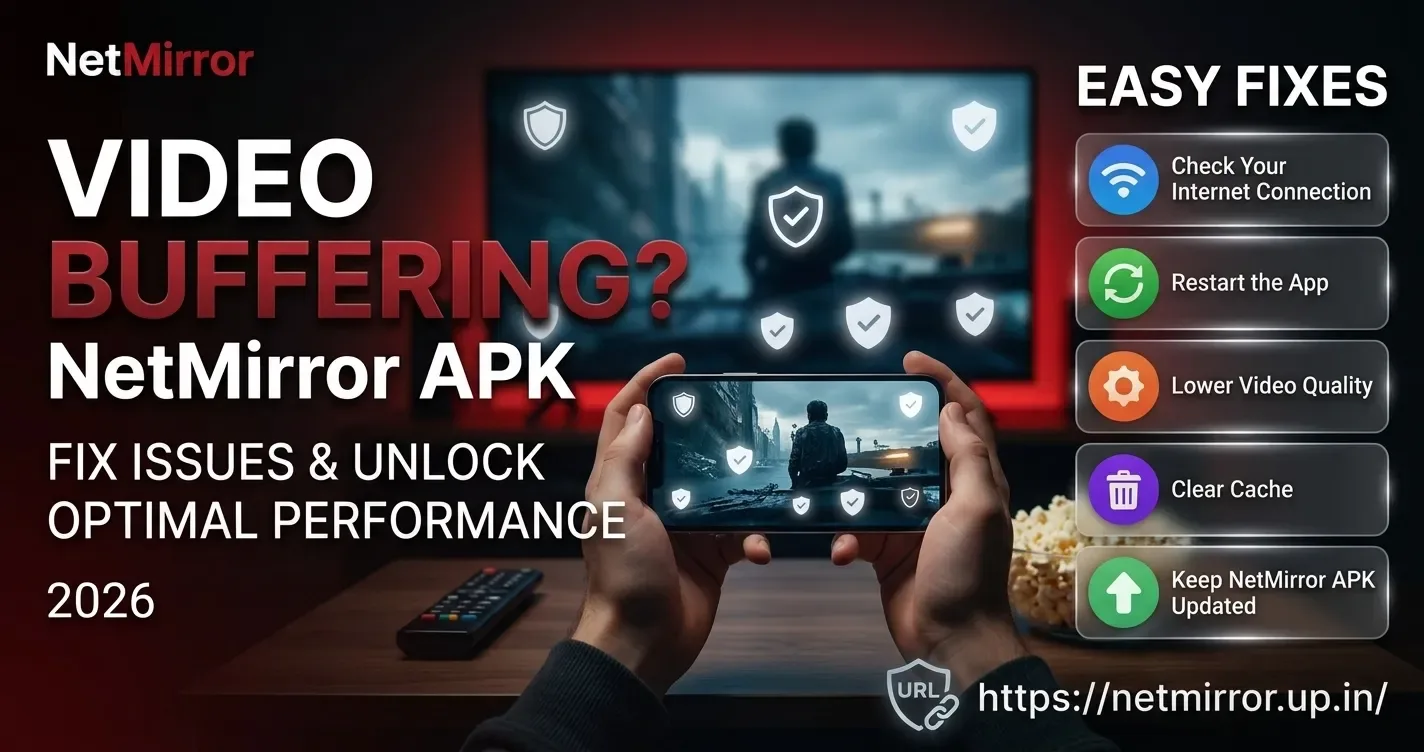
Restart your phone first. If it still crashes, open your phone's Settings, go to Apps, find the app, and tap Clear cache. Still no luck? Uninstall it and install a fresh copy. On very old phones, try an older version.
Stuck on the loading or splash screen
Your internet may be slow or the servers may be busy. Switch between Wi-Fi and mobile data, then reopen the app.
Home screen is empty
Give it a minute on the first launch. If posters never show, check the time and date on your phone. A wrong date can stop secure connections from working. Turn on automatic date and time in Settings.
Playback Problems When NetMirror Is Not Working
Video keeps buffering
Lower the quality from the player. If that doesn't help, try another server for the same title. Check your speed too: HD needs around 5 Mbps.
Black screen but sound plays
Clear the app's cache and restart it. If you use a screen recorder, battery saver or blue light filter, turn it off for a moment and test again, since these can block video on some phones.
Picture plays but no sound
Check your phone volume first, then the audio track in the player. Some titles open with a different language selected. Bluetooth earphones can also take a few seconds to connect.
"Video not available" or "Source not found"
That server has lost the file. Try the next server. If all of them fail, the title may have been removed.
Subtitles out of sync
Pause and play again. If they're still off, switch servers, since each source can have a different subtitle file.
Download Problems
Download stuck or failed
Make sure there's enough free space for the file. Keep the app open while the download runs, as some phones stop background downloads to save battery. Turning off battery saver for the app helps.
Downloaded video won't play
The file may be incomplete. Delete it from the app's downloads and save it again on a stable connection.
Website Not Opening
If netmirror.up.in or the web version won't load, clear your browser cache, try a different browser, or wait a little. Sites like this can change their address, and we'll always point to the current link on our homepage.
NetMirror Still Not Working?
Try these last steps in order:
-
Restart your phone or TV.
-
Update to the latest version from our homepage.
-
Uninstall, restart, and do a clean install.
-
Try an older build if the latest one doesn't suit your device.
Wrapping Up
Most of the time, NetMirror not working comes down to one of three things: the servers are busy, the build is old, or the phone's cache needs a clean. Start with the quick checks, update from our download page, and you'll be back to watching in a few minutes. If a fix here didn't work for you, tell us and we'll look into it.